Virtual Assistant Email Management: How I Turn Overwhelmed Inboxes Into Organized Systems
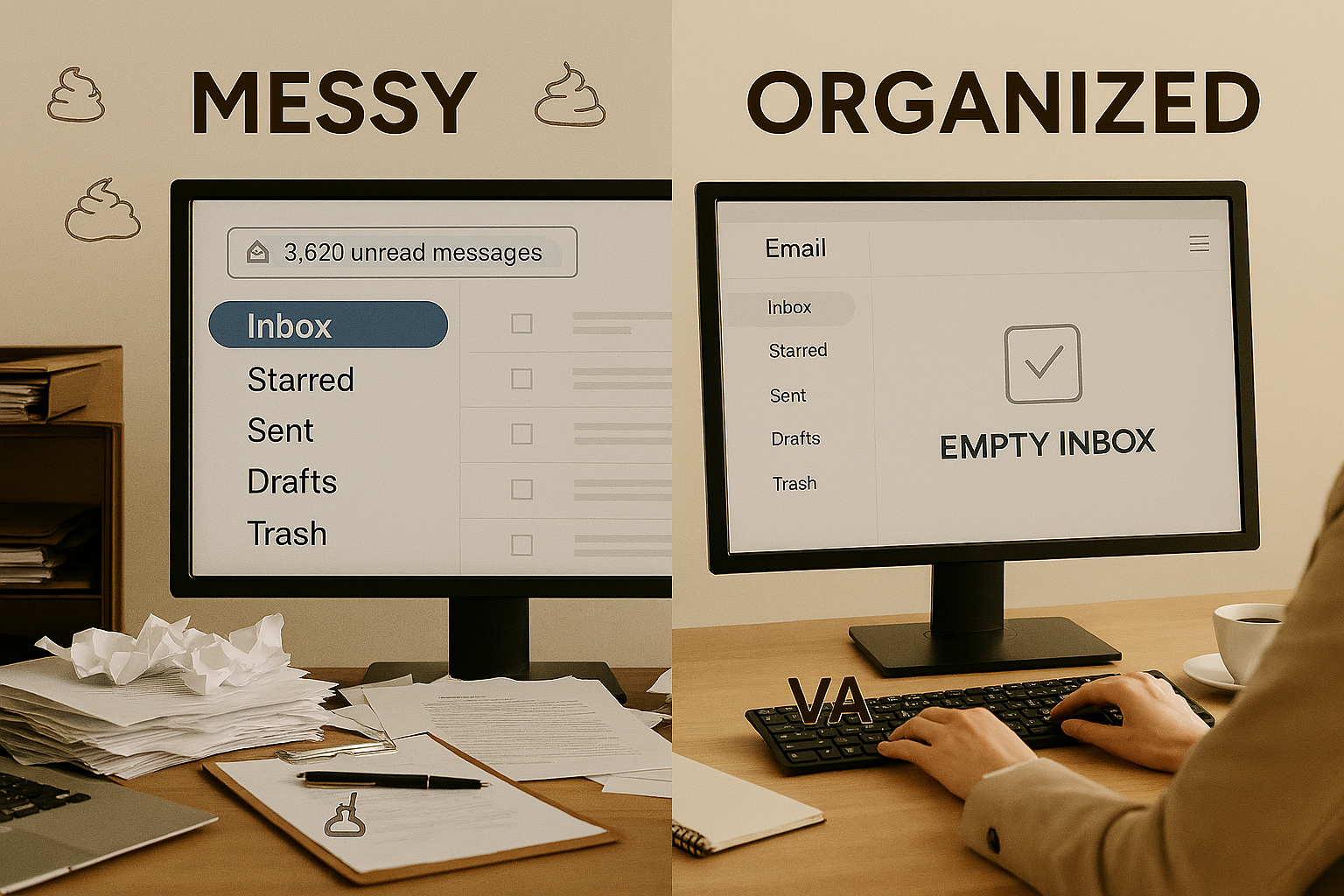
Reclaim 5–7 Hours Per Week and Finally Achieve Inbox Zero
Virtual assistant email management is one of the most effective ways to reclaim 5–7 hours per week and eliminate inbox stress for good.
If you’re an entrepreneur with hundreds of unread emails, buried client inquiries, and constant anxiety about missing something important, you’re not alone. Email was meant to simplify communication — instead, it has become a daily source of distraction and decision fatigue.
In this article, I’ll break down exactly how my virtual assistant email management system works, how I filter and prioritize messages, and how I help business owners consistently achieve and maintain inbox zero.
Why Virtual Assistant Email Management Increases Productivity
Email overwhelm doesn’t just waste time. It destroys focus.
Every notification forces your brain to switch contexts. Research shows that each interruption can cost over 20 minutes of regained focus time. Multiply that by checking your inbox 10–15 times per day, and suddenly your “productive day” disappears.
Virtual assistant email management eliminates that constant interruption cycle.
Instead of reacting to every message, you operate inside a structured communication system where:
- Only high-priority emails reach you
- Routine matters are handled automatically
- Urgent issues are clearly flagged
- Noise is eliminated before it drains your energy
The result isn’t just a cleaner inbox. It’s sharper thinking and better decision-making.
Research shows that each interruption can cost over 20 minutes of regained focus time (as confirmed by studies on workplace distraction from the American Psychological Association). https://www.apa.org/research/action/multitask
My Virtual Assistant Email Management Process (Step-by-Step)
Here’s the exact framework I use with clients.
Step 1: Inbox Audit & Strategic Setup
Before touching anything, I analyze:
- Email volume
- Recurring message types
- Frequent senders
- Current folder structure
- Communication priorities
Then I build a customized label and folder system aligned with your workflow.
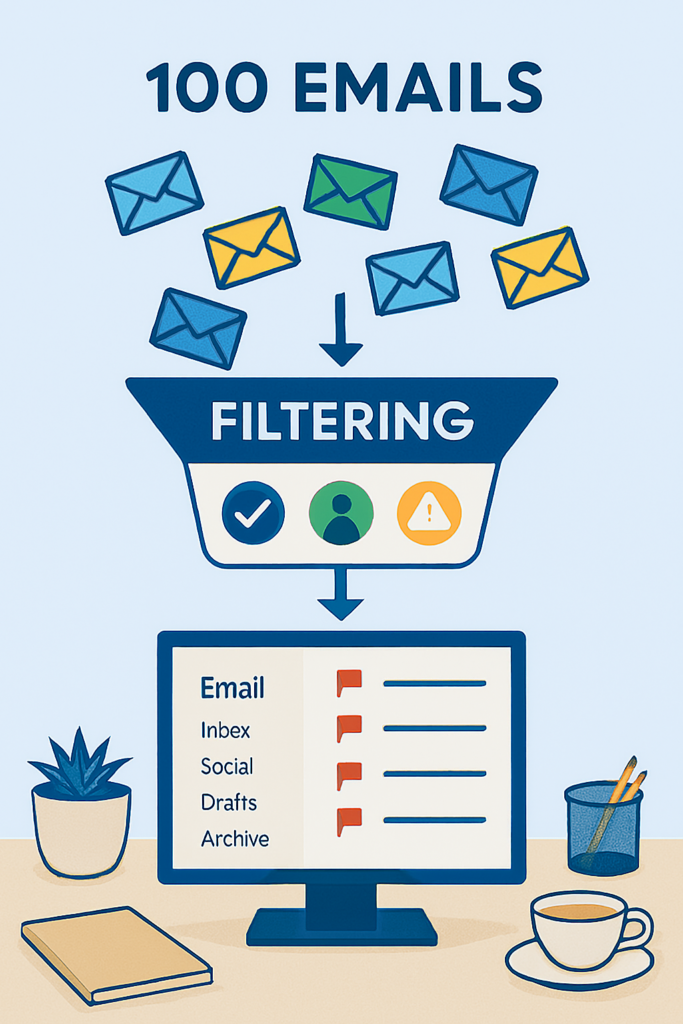
I also implement smart filters so incoming emails are automatically routed to the appropriate categories before they ever clutter your main inbox.
Step 2: Daily Triage & Categorization
Every day (or based on your agreed frequency), I sort emails into five categories:
- Urgent action required
- Needs your personal response
- Routine — handled by me
- Informational only
- Archive or delete
Spam is removed.
Unused newsletters are unsubscribed.
Routine inquiries are answered immediately using pre-approved templates.
You don’t see the chaos — only what matters.
Step 3: Priority Flagging with Context
Virtual assistant email management isn’t just sorting.
It’s preparation.
If someone requests a meeting, I check your calendar first.
If a client references a past conversation, I review the thread.
If a decision is needed, I compile relevant background information.
When you open your inbox, you have clarity — not confusion.
Step 4: Response & Follow-Up Management
Depending on complexity:
- I respond directly within established guidelines
- I draft replies for approval
- I flag sensitive communication for personal handling
I also manage follow-ups.
If someone hasn’t replied to an important email, I track and follow up.
If you’re waiting on information, I monitor it.
You no longer carry unfinished tasks in your head.
Step 5: Continuous Optimization
Virtual assistant email management is not a one-time cleanup.
It’s an ongoing system.
I continuously refine filters, update templates, archive completed conversations, and track communication patterns that might impact your business.
Your inbox becomes organized, predictable, and efficient.
What a Virtual Assistant Email Management Service Handles
Here’s what typically gets managed completely:
- Spam and promotional emails
- Scheduling coordination
- Routine client inquiries
- Vendor communication
- Receipts and confirmations
- Informational updates
Drafted for approval:
- Sensitive client topics
- New business inquiries
- Complex questions
- Pricing discussions
Personally flagged for you:
- Strategic decisions
- Urgent client matters
- Personal communication
- High-value opportunities
The goal is simple: you only handle emails that truly require your expertise.
Delegating email management to a trained virtual assistant has been shown to significantly reduce workload and improve response times (as highlighted in industry analyses on VA productivity).
https://hiverhq.com/blog/email-management-virtual-assistant-benefits-tasks-costs
Real Client Example
One consulting client had 400+ unread emails and was spending 8–10 hours per week managing her inbox.
After implementing my virtual assistant email management system:
- Her inbox stays under 10 emails
- 80% of emails are handled completely
- 15% are drafted for review
- Only 5% require direct action
- She spends just 1–2 hours per week on email
She added three new clients and stopped checking email after 6 PM.
That’s operational freedom — not just organization.

Frequently Asked Questions About Virtual Assistant Email Management
What is virtual assistant email management?
Virtual assistant email management is a structured service where a trained VA organizes, filters, responds to, and optimizes your inbox so you can focus on strategic communication only.
Is it safe to outsource email management?
Yes, with proper access permissions, secure password management tools, and confidentiality agreements in place.
How quickly can I see results?
Most clients notice immediate improvement within the first two weeks, with full system optimization within 30 days.
Final Thoughts
Email should support your business — not dominate it.
Virtual assistant email management transforms your inbox from a reactive stress source into a controlled communication system.
When your inbox works for you instead of against you, you regain time, clarity, and strategic focus.
If you’re ready to stop losing hours to administrative noise, download the free checklist: 40 Tasks You Can Delegate Today and see exactly how much time you could reclaim each week.
If you’d like to know more about what I do and how I can support your business, you can explore my full services page.